Save any job in one click.

See a job you like on any site? Save it to your tracker with one click, then tailor your resume and cover letter for it in MyCareerAI.
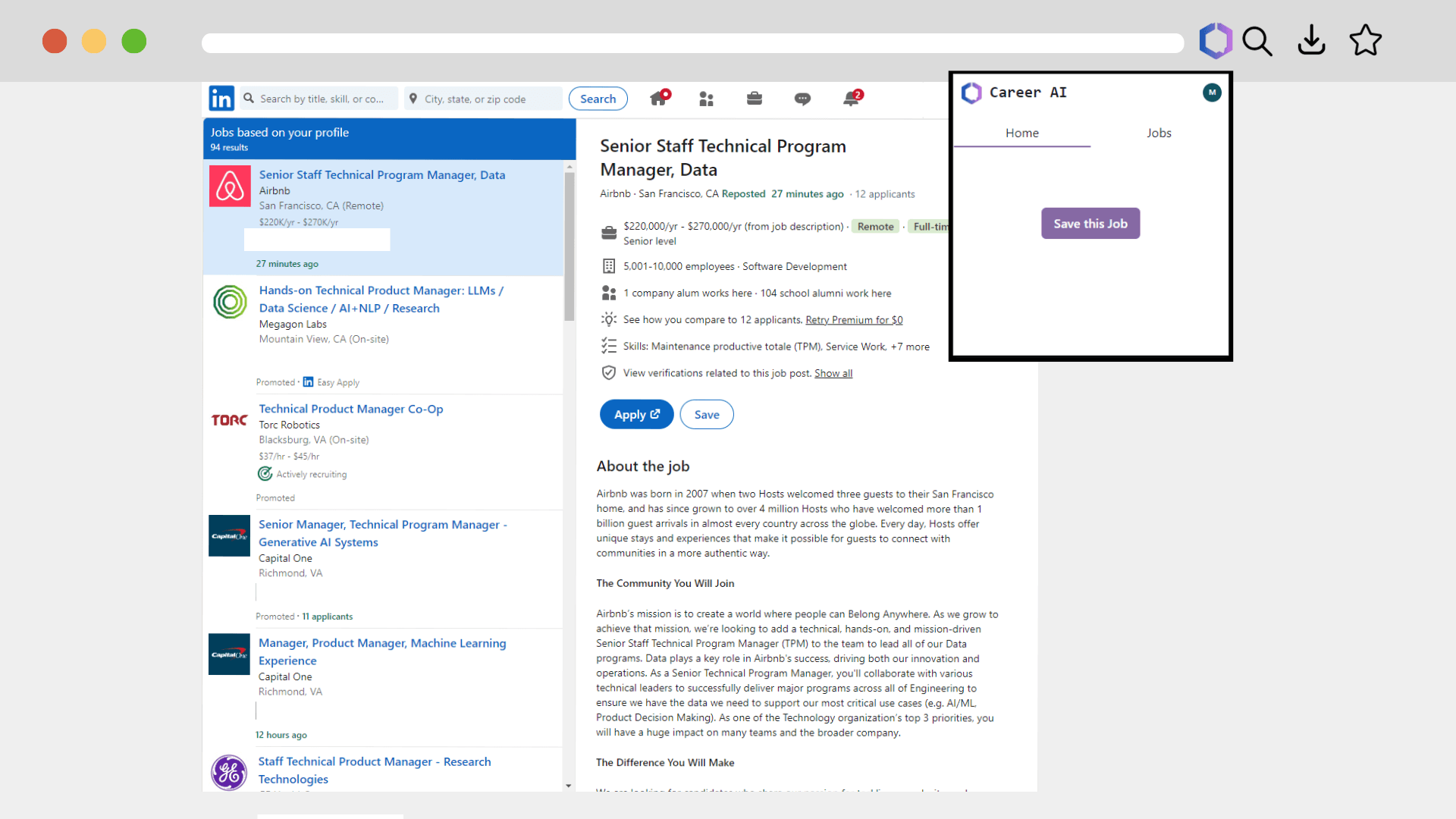
MyCareerAI Chrome extension saving a job posting.

Then what

From posting to tailored application.

01

Save the posting from any job site.

One click on LinkedIn or any career page sends the job into your tracker.

Chrome · any job site

Group Product Manager, Payroll

Gusto · Saved just now

Save to MyCareerAI

02

Review it in your pipeline with the posting attached.

Every saved job lands under Applied with the original posting ready to open.

In your tracker

Group PM, Payroll · Gusto
Director of Product · Plaid

03

Customize your resume and cover letter for it in one run.

Open the job in MyCareerAI and generate a tailored kit from your record.

Ready to tailor

  • Resume for this job
  • Cover letter
  • Interview brief

FAQ

Frequently asked questions

Yes. Add it from the Chrome Web Store at no cost. Saving jobs to your tracker works on Starter.

You can save postings from LinkedIn and thousands of other job sites. The extension captures the posting so you can tailor in MyCareerAI without copying and pasting.

The job lands in your pipeline with the posting attached. From there you can customize your resume and cover letter for it in one run.

You'll sign in to save jobs to your tracker. Starter is free with no time limit.

Stop copying and pasting job descriptions.